Your wedding day flies by in a flash. While your professional photographer will capture stunning portraits, dozens of your guests will capture the most spontaneous, candid, and hilarious moments throughout the reception on their smartphones.
The timeless question every newlywed faces after the honeymoon is: How do you collect all these precious memories from 80+ guests without chasing people for weeks?
Why Traditional Photo Sharing Methods Always Fail
Couples have historically tried various workarounds, but all come with frustrating drawbacks:
- WhatsApp or Messenger group chats: Messaging apps aggressively compress photos, strip out metadata, and downscale 4K videos into grainy pixelated clips. Furthermore, not all guests want their personal phone numbers exposed in a massive group chat.
- Google Drive or Dropbox shared links: Cloud folders demand that guests log in with an account, navigate clunky mobile file pickers, and deal with storage caps. Over 60% of guests give up before uploading a single picture.
- App Store mobile apps: Forcing guests to search the App Store, download an app, remember a password, and verify an email while sipping champagne at a party kills all spontaneity.
- Single-use disposable cameras: Buying 10 disposable cameras costs $150–$200, developing film costs another $150+, and over half the shots turn out pitch black or blinded by harsh flash.
The Modern Solution: Instant QR Code Photo Sharing with weddApp!
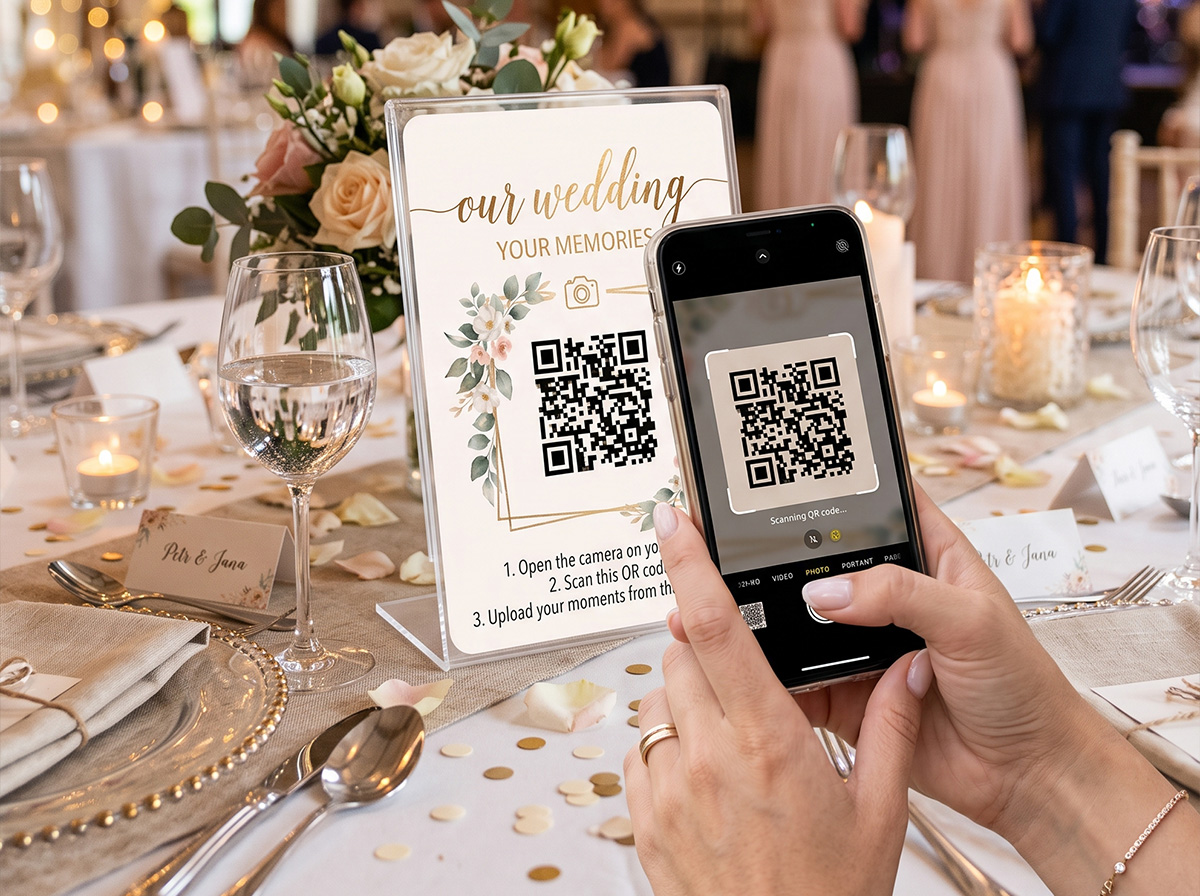
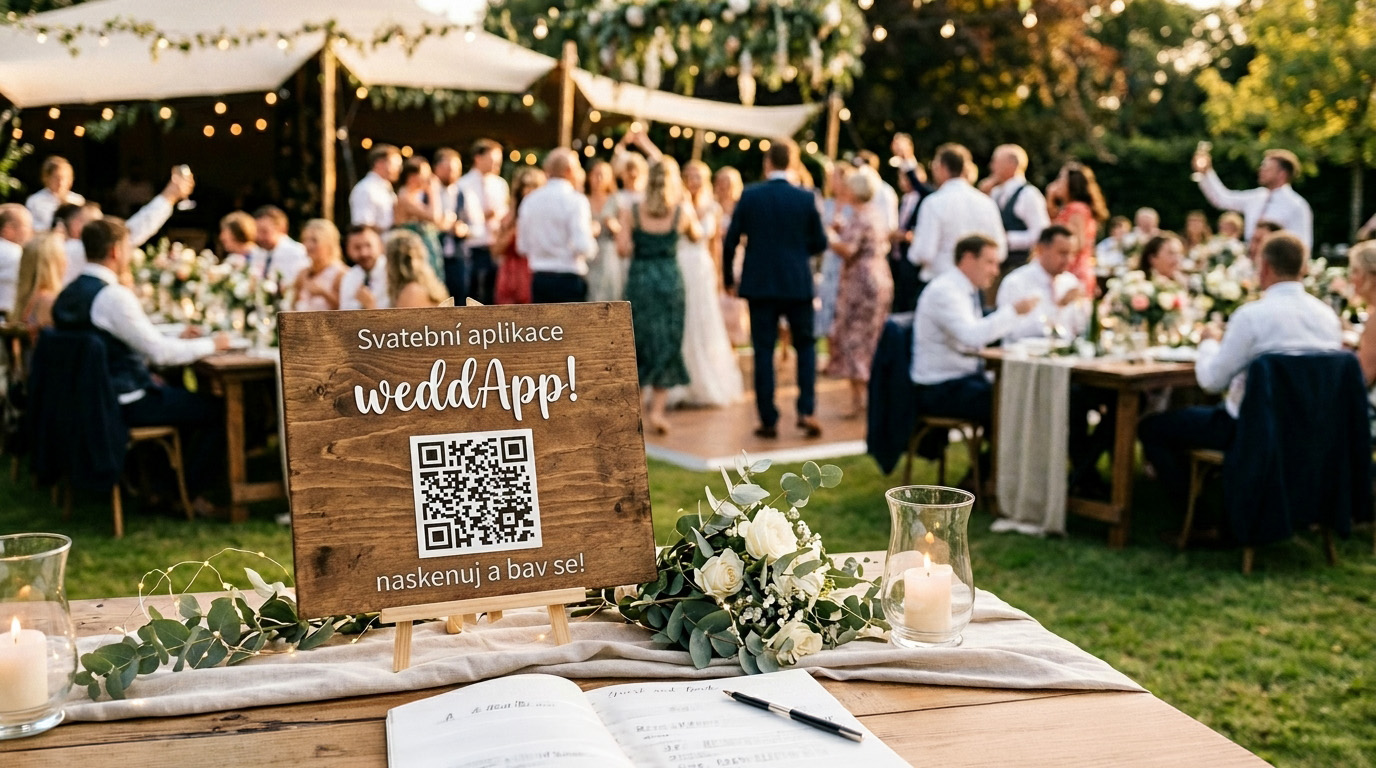
With weddApp!, sharing photos is as effortless as ordering a cocktail. You place elegant cards with a personalized QR code on every table. Guests simply point their phone cameras at the code, tap the pop-up link, and start uploading immediately in their browser.
No App Download Required – 100% Mobile Browser Based
The biggest secret to high photo collection rates is zero friction. Guests do not need to create an account, register with an email, or install anything. It works on every modern iPhone and Android device in seconds.
Key Features of the weddApp! Shared Album
- Original HD Resolution: Photos and videos are saved without aggressive compression, preserving original sharpness, colors, and detail.
- Real-Time Live Photo Wall: Hook up a laptop to a projector or venue TV screen. As guests upload candid table snaps or dance floor selfies, they instantly pop up on the big screen!
- Photo Scavenger Hunt & Challenges: Keep guests entertained by assigning fun photo missions (e.g., "Snap a selfie with the groom's grandma" or "Catch the best dancer on the floor"). Check out our modern wedding games guide for more ideas.
- One-Click Full ZIP Download: After the wedding, download all guest photos and videos in a single organized archive.
How to Set Up Table Cards with QR Codes
To ensure high participation, make the QR code impossible to miss:
- Use our free QR table sign generator to create beautiful printable A5 or A6 cards matching your wedding theme.
- Place 1–2 acrylic stands on each guest table and by the bar.
- Ask your DJ or MC to make a quick 30-second announcement during cocktail hour explaining the QR code. You can coordinate this easily using our master wedding timeline guide.